Movetrics app · iPhone, iPad, Mac and Android
Force plates on your phone, tablet or Mac.
Live forces and moments, guided tests and video beside the force curve. Over USB-C or Bluetooth LE, and without internet.
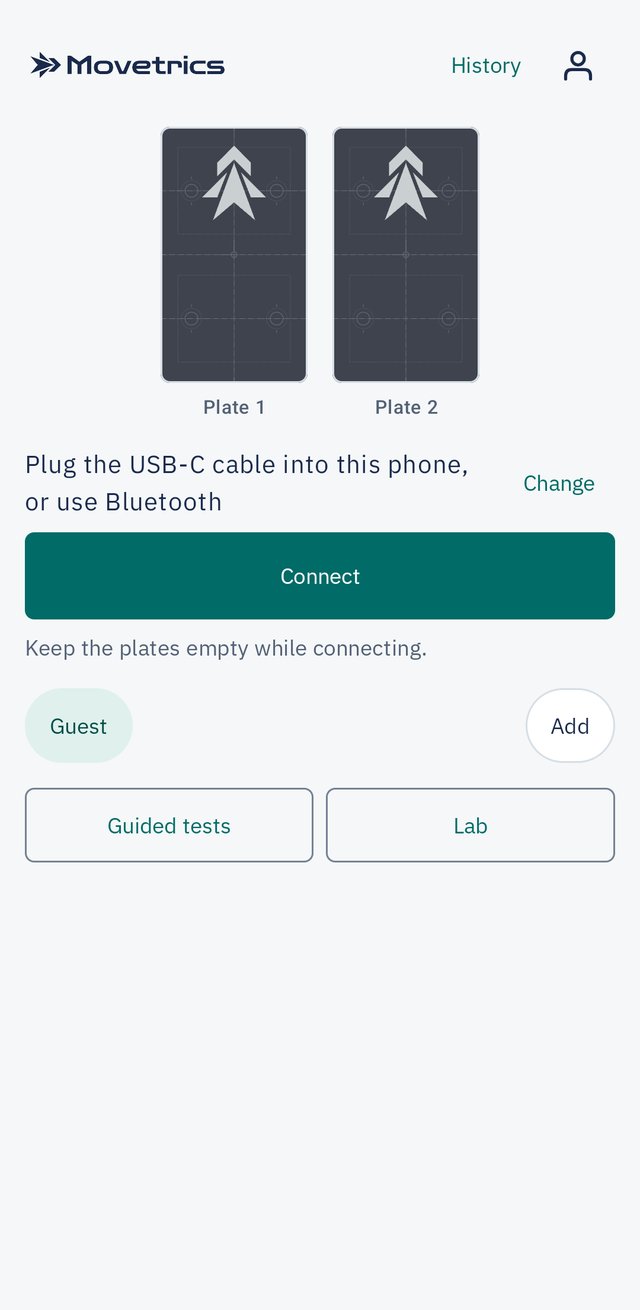
Everything the plates measure, in your hand.
Live view
The force and moment components of every plate, as you move.
Every plate on one clock
Two plates for left and right, four under a treadmill: all through one FDT, sampled on one clock.
Guided tests
Countermovement jump, sit to stand, and Lift for counting squats and deadlifts, left and right.
Treadmill gait
Movetrics Gait: four F1-3D S under a treadmill, one FDT, walking measured step by step. About Movetrics Gait.
Video beside the force curve
Video is recorded only when you switch it on, and stays on the device unless you export it.
Your data
Recordings stay on the device. Export CSV, keep video as MP4, or upload to Movetrics Cloud when you choose.
What you need.
| Devices | iPhone and iPad; Mac; Android phones and tablets with Android 8.0 or later |
| Connection | Bluetooth LE, or USB-C where the device supports it |
| Samples per second | Up to 2,000 with one or two plates; 1,000 with three or more |
| Languages | English and German |
Which software for what?
| Movetrics app | Phone, tablet and Mac: live view, guided tests, video, Movetrics Gait |
| Movetrics Studio | Windows: every guided workflow, reports, CSV and C3D |
| Movetrics Cloud | Any computer, in the browser: all recordings and results in one place |
Straight answers
Does the app need internet?
No. The app measures and records without internet. Upload to Movetrics Cloud only when you choose.
Where does the video go?
Video is recorded only when you switch it on, and stays on the device unless you export it. Ask the person before filming.
Is the app included?
Every Movetrics system comes with licences for Movetrics Studio and the Movetrics app.